✍️ Annotating images
In this section you will learn how to modify the annotations for nodules, abscesses and draining tunnels.
You will perform this task after uploading a picture, only if you think that it need correcting.
What are annotations?
The system will input the images of the HS lesions, and ouput bounding boxes that represent the nodules, abscesses and draining tunnels automatically found in an image, such as:
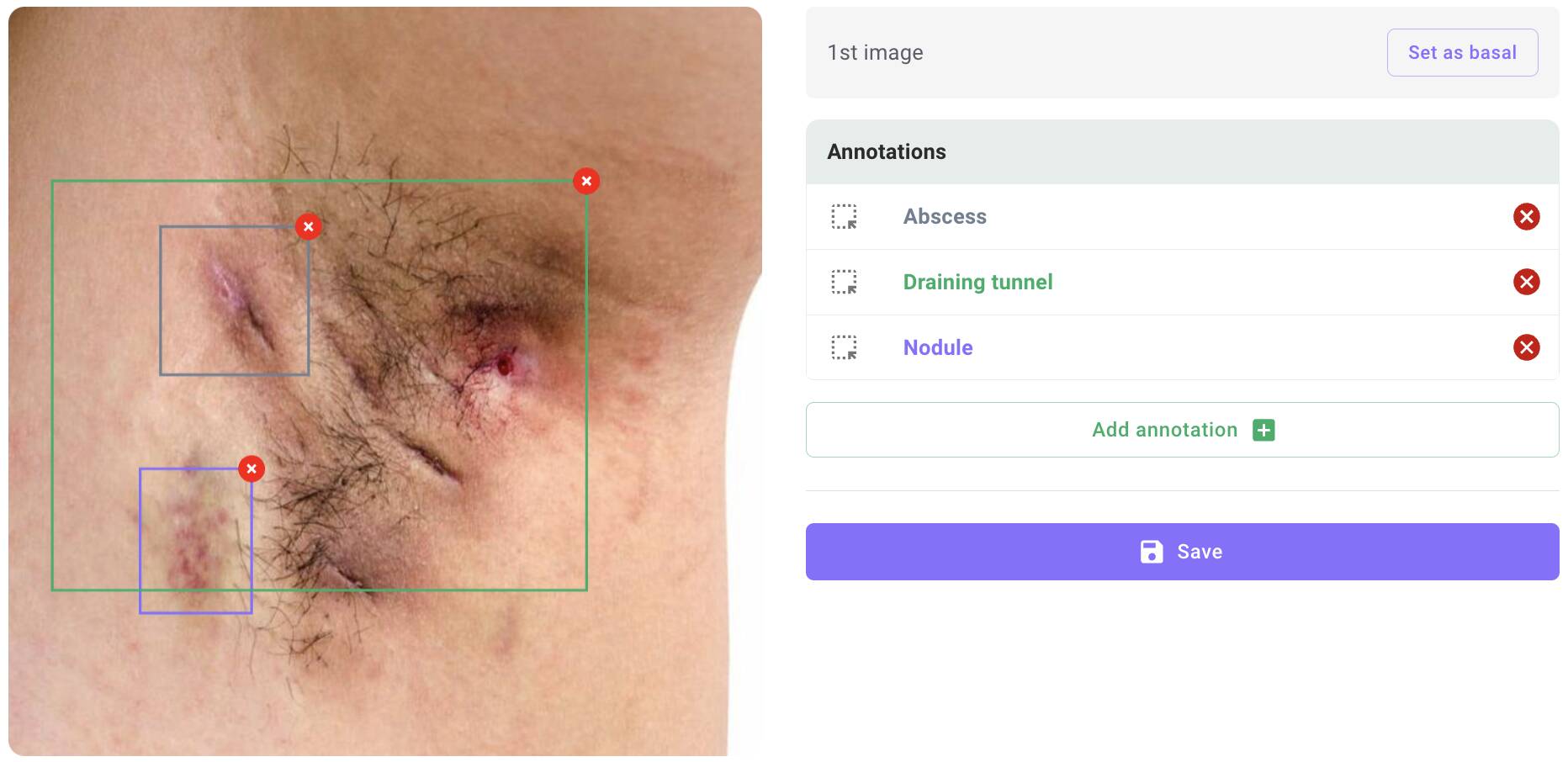
Workflow
graph LR
E[Open the report of the computer]
F[Open the <code>Annotations</code> tab]
G[Add, modify or remove annotations]
E --> F --> G
Steps
- In the report, open the
Annotationstab - If necesary, add, modify or delete annotations
- Click on save